The Complete Agency Web Get Started Mobile & Digital Marketing , Modern Apps Get Started Custom CRM/ERP Manufacturing Apps , More & Premier Software Development Brings It Together

Marketing, Rebranding & Development

Trividea is a web rebranding company using state-of-the-art
technology to blend programming, ai concepts and ideas to showcase client products,
services, and experiences. Building consistent business results and powerful brands.

Who are we?

Trividea is a Programming, Marketing, Rebranding, Website company. Incorporate AI, Video and ideas to harness growth opportunities.

The best in application development, leveraging online tools and comprehensive digital marketing services

Strong Team

Strengthen your brand!

Real businesses advertise! Trividea builds your brand across platforms to strengthen it further using tailor-made strategies. Complete ad management.

Pledge

Provide unmatched service, support and product development. Solving client needs while finding new ways to enhance your business!

Innovation!

Idea is built right into our name. We consistently explore all avenues bringing refreshing ideas that turn into unique ads that boost your market

Reliable

Consistently delivering results earns you the badge of trust with your clients. As an extension of your team, we are build on transparancy and accountability.
Forward Thinking Book

Forward-Thinking

Friendly views of your data enable easy decision making and actionable goals to deliver your best products or services!

Customer-oriented!

We build customer-centric strategies instilling complete confidence in your brand with a proven focus on your customer’s satisfaction!

Strategy

Our unique approach to planning begins with the identification and discovery of your competition and target audience. We find out what works for you in the online industry and design stunning digital products accordingly.
Brand Standards: Color scheme, layout, sitemap, and style defined- We will bring your brand to life with a consistent brand style built just for you.
This unifies everything starting with the first proposal you want signed by a client.

Design

Develop

Laptop Marketing
We turn marketing ideas into reality. Websites are deployed for you on a "development server" where you will see the whole process live.
Continuous support systems are your gateway
to the world. We handle design, marketing and maintenance, keeping your digital presence humming along perfectly.

Support

B2B Marketing & Web Design Company

We are a premier web services company headquartered in Dallas Texas, specializing in B2B and B2C client acquisition strategies. Our team collaborates closely to drive consistent market presence. Recognizing the distinct differences between B2B and B2C target audiences, we employ specialized marketing and sales funnel tactics that generate and nurture ideal client engagement. We are committed to driving your success with proven strategies.

Trividea Web Solutions

At Trividea, we create digital experiences to put your customers first!. Our comprehensive suite of services: from Pay-Per-Click advertising management and web application development to secure websites is designed to deliver real results. We go beyond standard development with cutting edge interface design and ai driven solutions build specifically for your teams' success. When you choose Trividea, you elevate your digital presence and fullfill your goals.
Google agency Texas
Where Can I Download Microsoft Authenticator?
How To set up Multi-Factor Authentication for Microsoft 365 Accounts

Microsoft requires Multi-factor Authentication for Microsoft 365 accounts.  This can affect your M365 email, Excel, Work, Outlook and other related services.

There are a lot of fake support options so be careful getting unsolicited emails or calls. You can ring our office for web support at 214-749-1411


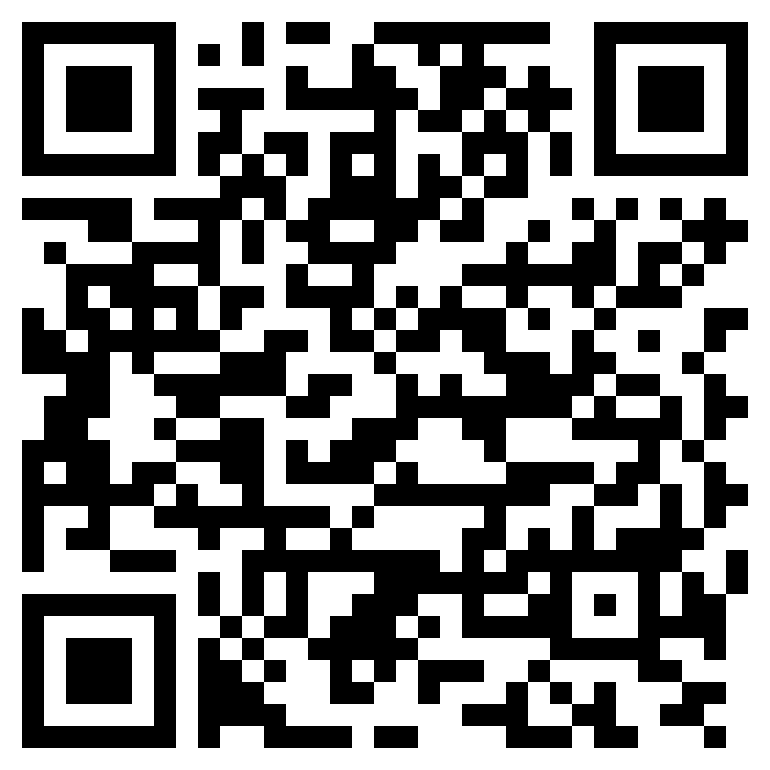
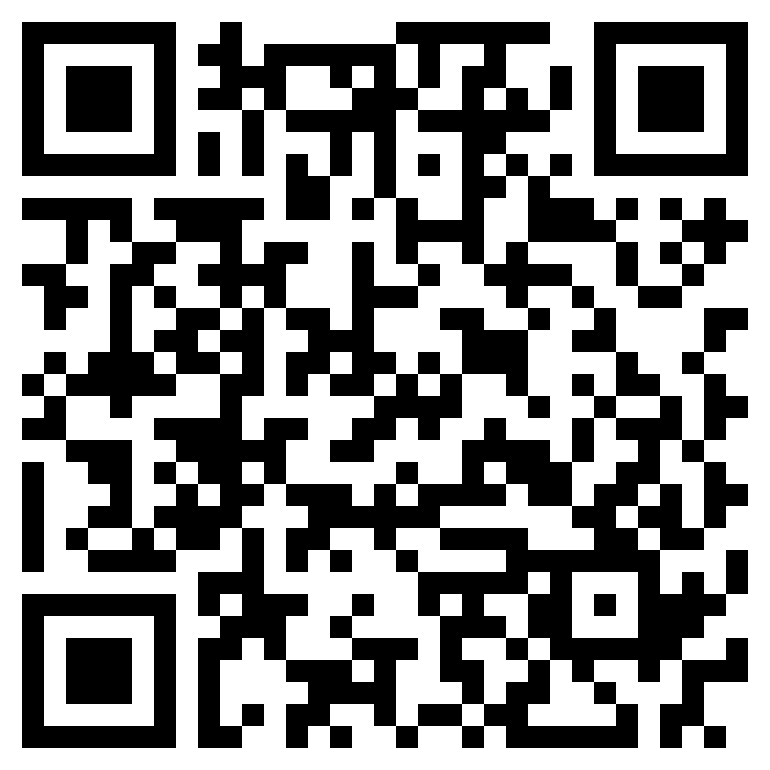
The links above take you directly to the app store for IOS or Android phones. 

 
Cyber security starts with getting the app and in general adding an authentication method to your account.  You will need your email address, password and the Microsoft authentication app on your device. Download the app first then stop. The next step is best done on your regular computer. Login to your office/Microsoft 365 account then under My account, security, you can setup multi-factor authentication (MFA). The M365 wizard will prompt you to add the account, choose work or school. Then scan the barcode option.  Follow the wizard and you will be setup.